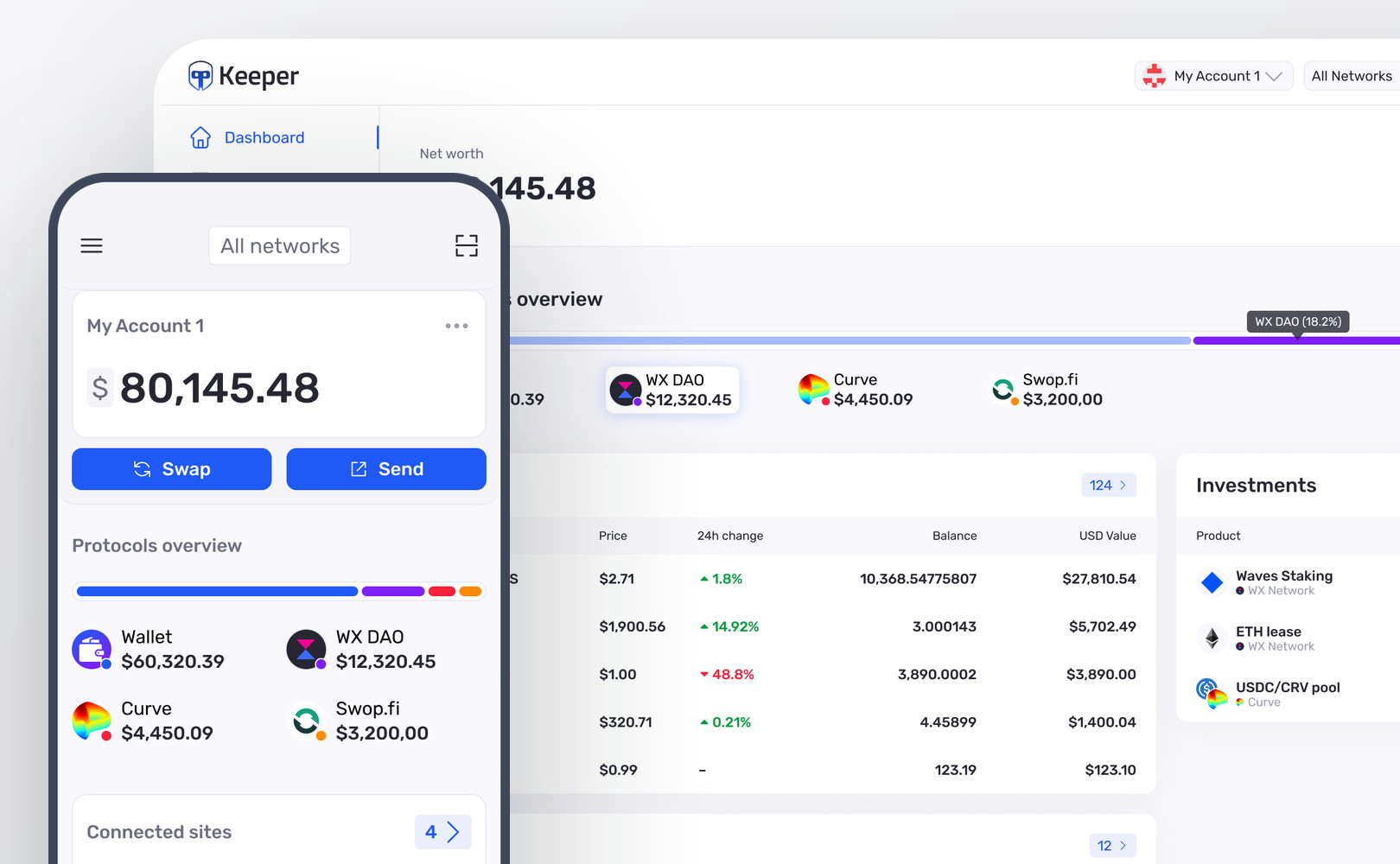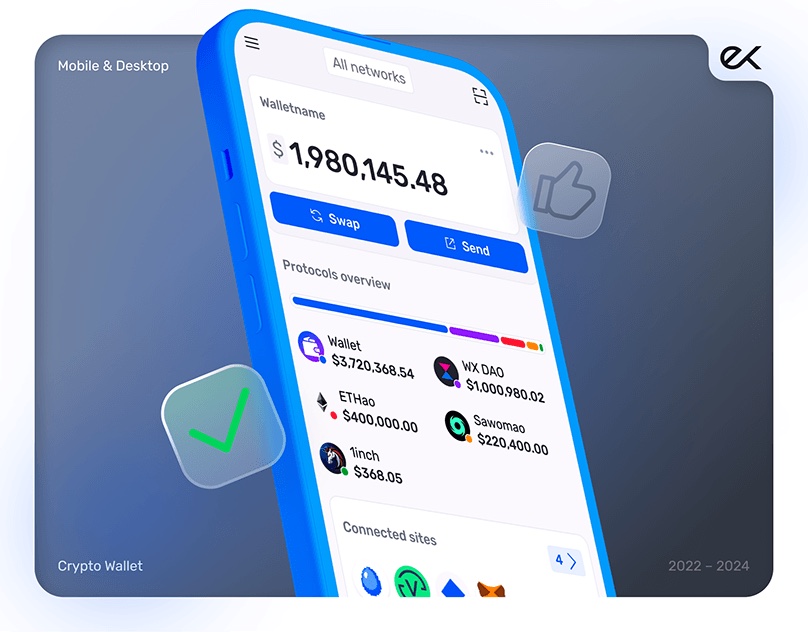
Waves Exchange / Keeper Wallet
Clear crypto transfers before confirmation
- Role
- Lead Product Designer
- Result
- Decreased drop-off70% → 30%

On the Send screen, 70% of people dropped off: transfers were hard to read and easy to get wrong. I rebuilt Send as a clear, network-aware flow that people could understand before committing funds, and drop-off fell from 70% to 30%. As Lead Product Designer I owned the direction and drove it end to end, with engineers and PMs.
Context
In a self-custody wallet you hold your own money. Transfers cannot be undone, a wrong send is gone for good, and one Send screen has to handle several networks, on-chain sends and a cross-chain bridge, both tokens and NFTs, and different ways to address a payment.
In practice that meant three networks: Waves, an Ethereum-style Waves network, and Ethereum reached over a cross-chain bridge from another Waves startup. So a send was not always on-chain within one network. Some transfers crossed chains and carried their own risks and states. On top of that you could send tokens or NFTs to a plain address, a .waves name, or a saved contact that held two or three addresses, and pay the Waves fee in a partner token of your choice.
Problem
People started a transfer, but 70% dropped off on the Send screen. The mobile Send flow existed, but it was a quick port of the old browser-extension form: outdated, never rethought for the app, and full of real problems.
- The transaction was hard to read, with no guidance to the next step
- The copy made people expect an instant send, with no confirmation
- The core issues were in the addresses and network validation
This came straight from Amplitude and community feedback, where the confusion showed up in people's own words.
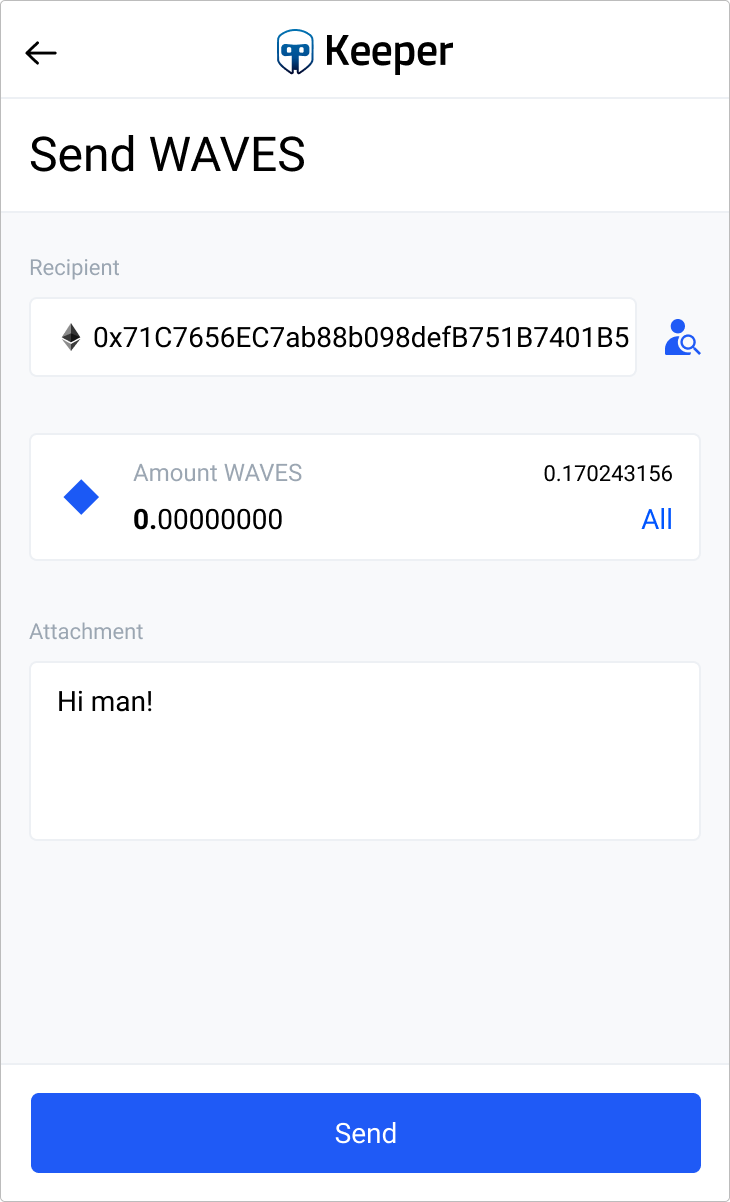
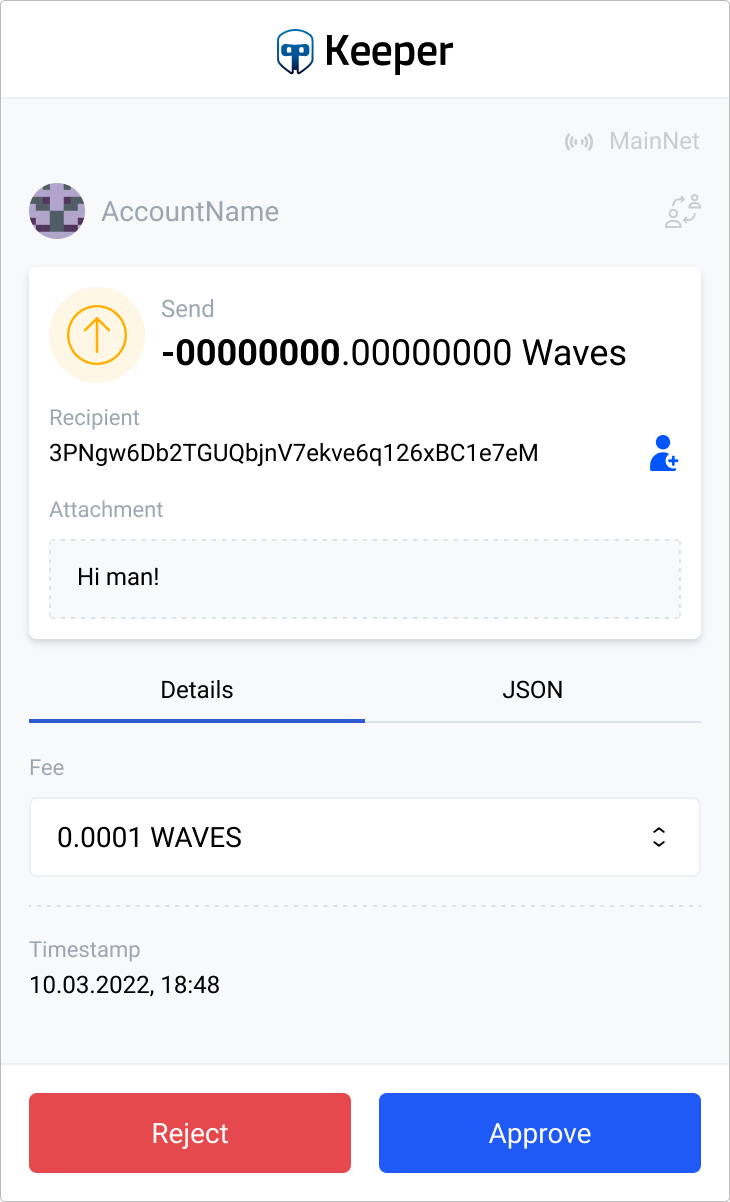 Unclear hierarchy
Solution
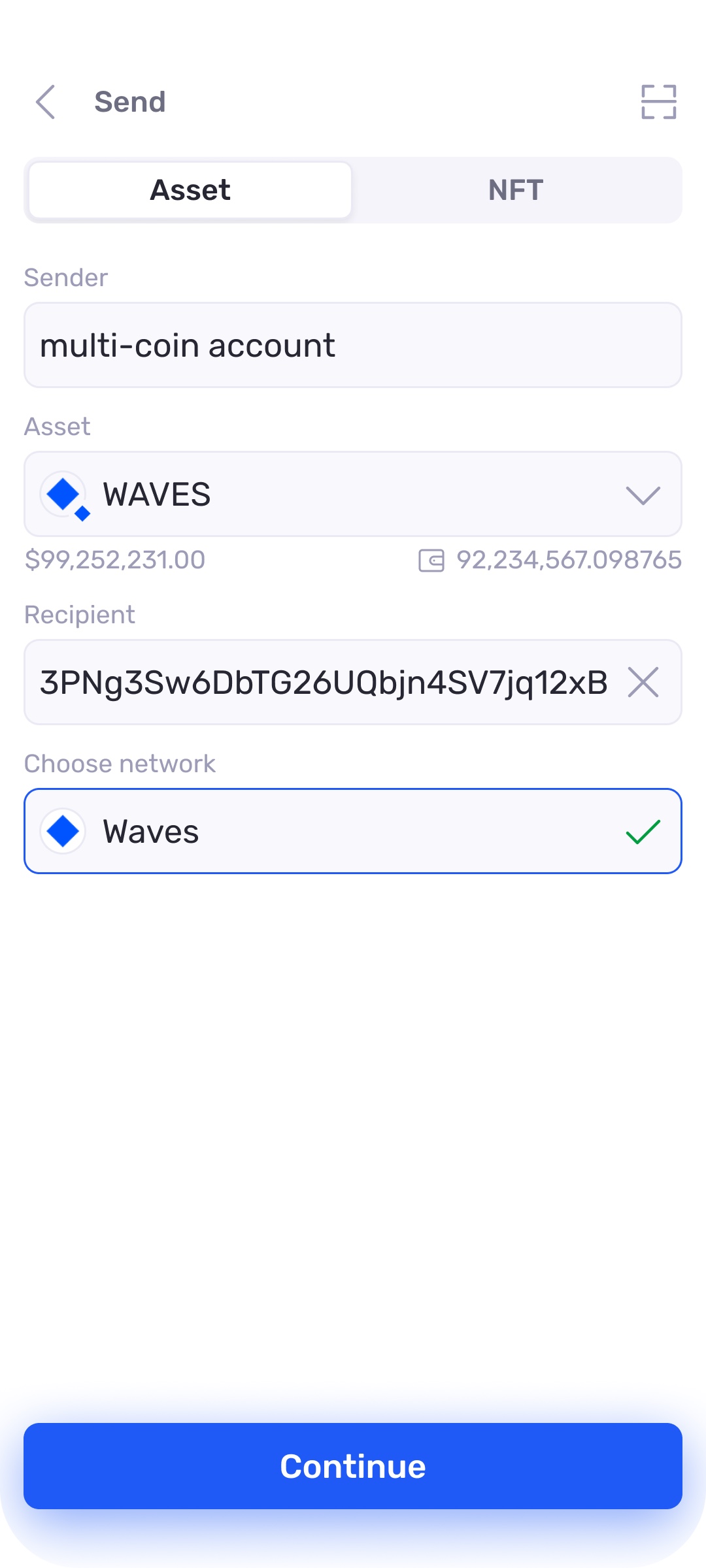
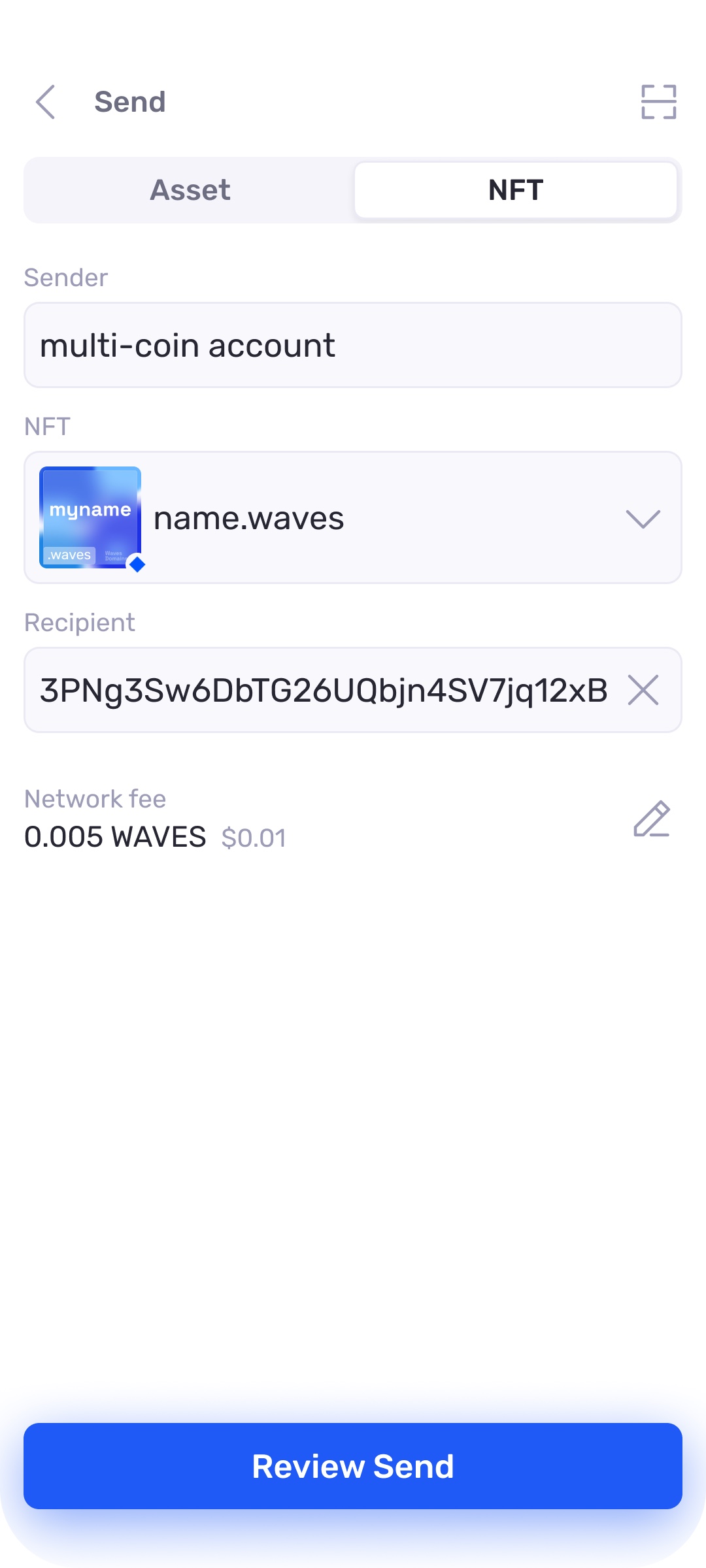
A Send flow that adapts to the network. The form branches by destination: a same-family send stays on-chain, while a cross-chain send to Ethereum goes over the bridge and shows the extra steps that involves. I built it mobile first, then brought it to web.
Three decisions carried it:
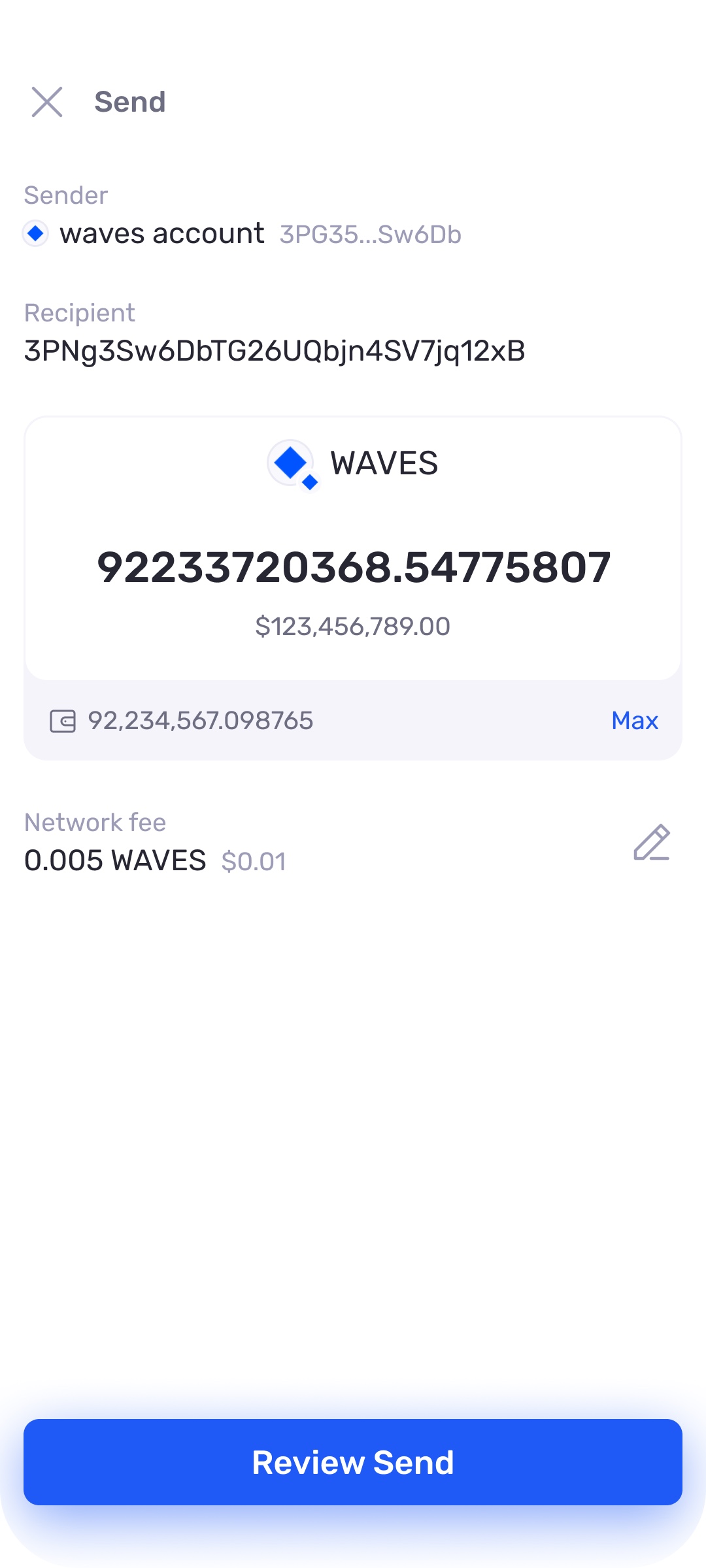
- Every transaction reads in plain terms, with the amount, network, and recipient laid out to scan before you commit.
- A confirmation step turns a blind tap into a decision, and the address and network are validated before anything leaves.
- The form reshapes per network, so a cross-chain send never hides a step a simpler one would.
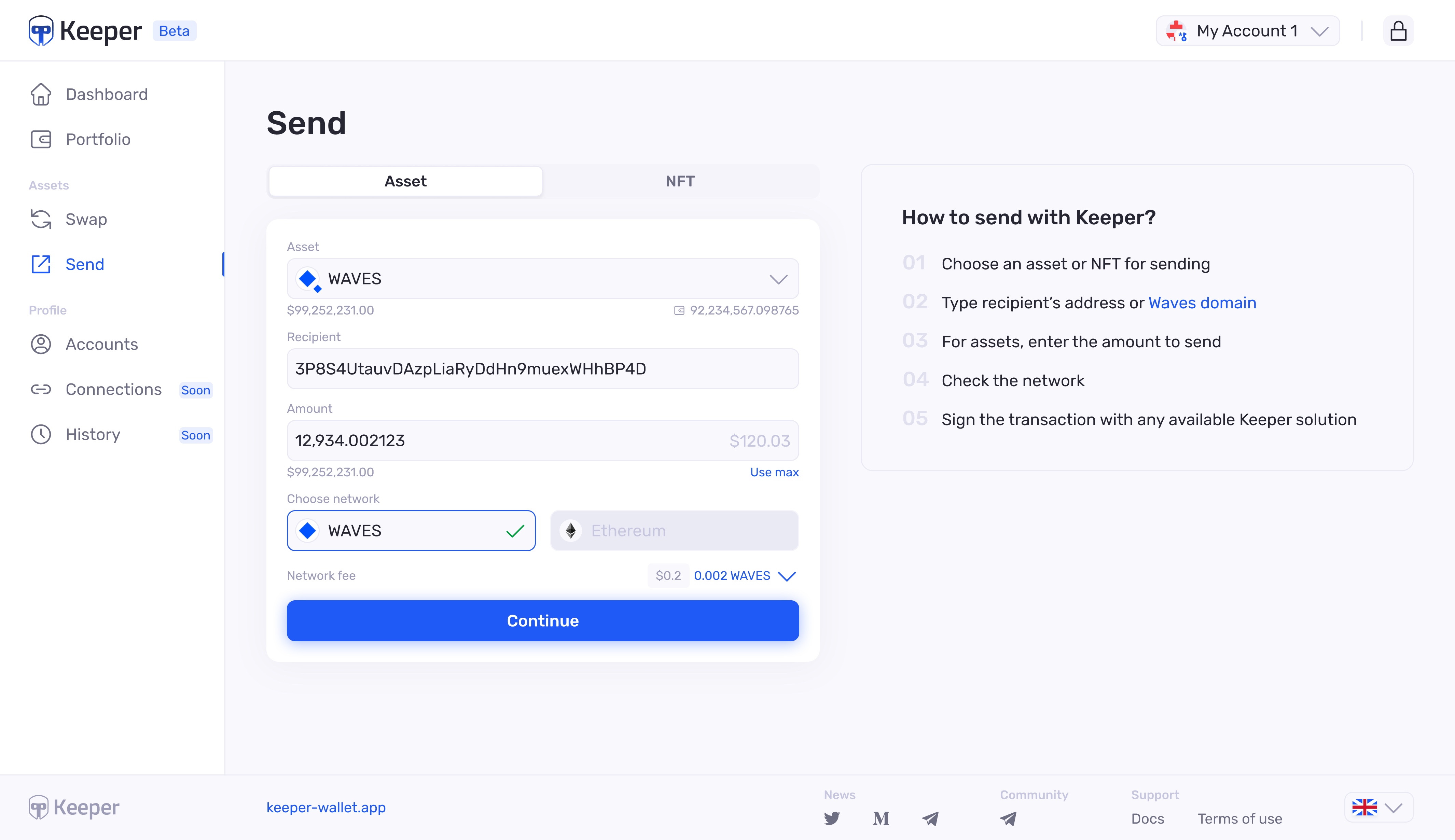
The send screens:
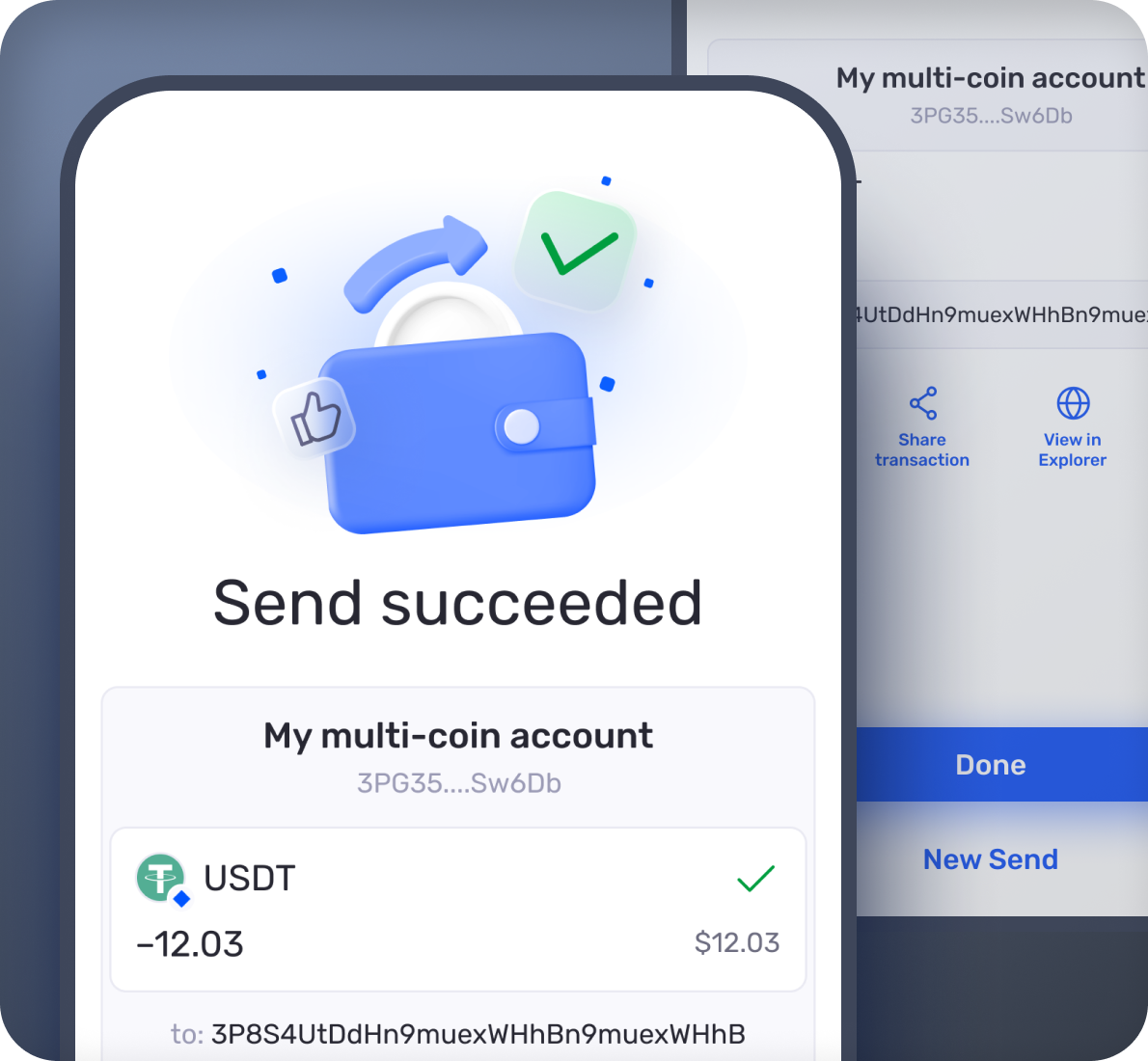
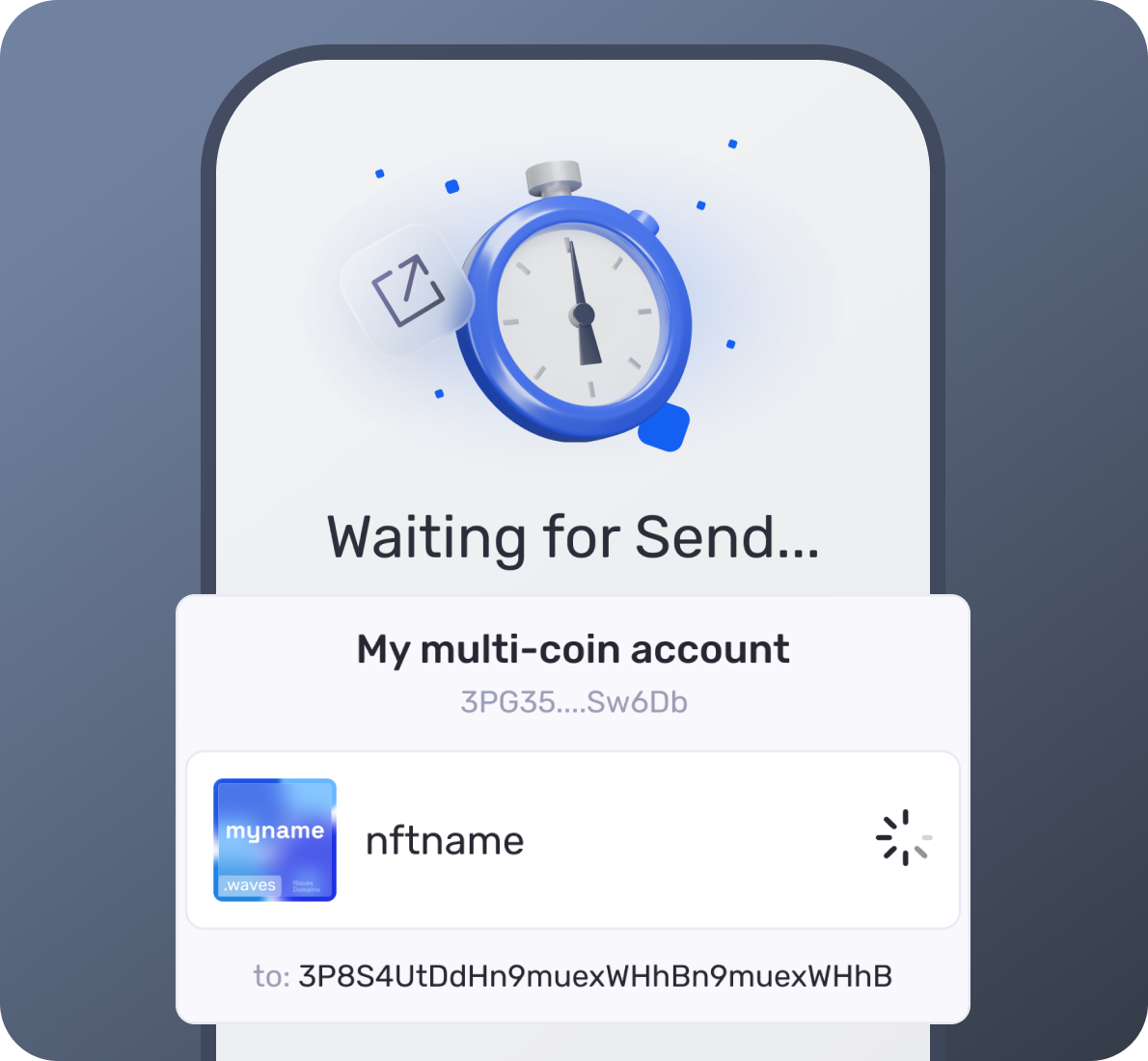
And the transaction states:
Flows & edge cases
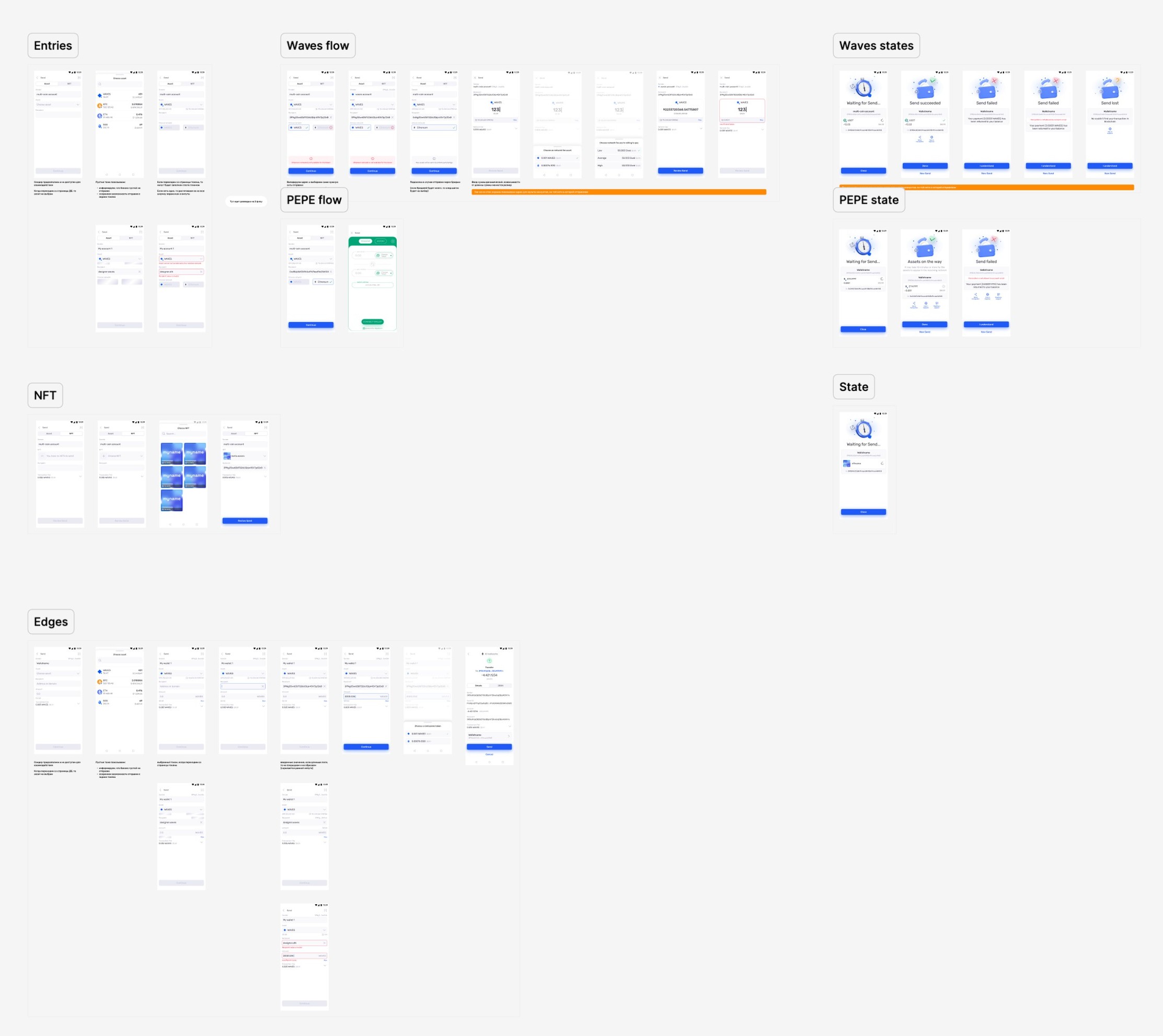
I mapped the whole flow end to end. One Send screen carried three networks, on-chain and cross-chain, tokens and NFTs, so every branch, state, and transaction type had a defined design before build.
Mobile flow
Entries, the Waves and Ethereum network branches, NFTs, states, and edge cases.
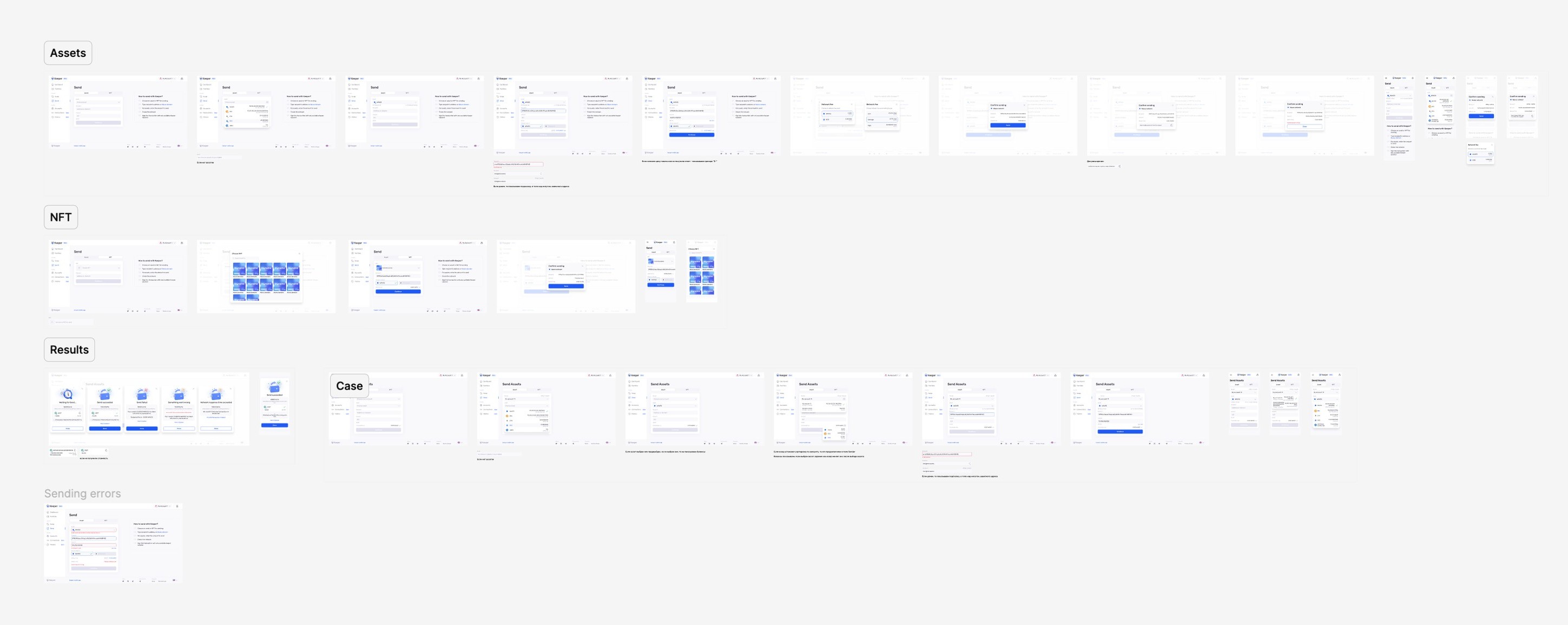
Web flow
The same model on web, from assets and NFTs through results and sending errors.
Full transaction coverage
Every Waves transaction type, in its confirmation and its history view, from Issue and Transfer to Lease and Invoke, plus edge states like a wrong asset or an unknown sender.

| State | Design response |
|---|---|
| Wrong recipient | Immediate check, supported format, input kept |
| Network mismatch | Show expected vs detected network, and block the send when they differ |
| Fee | A Waves fee you can pay in a partner token of your choice |
| After sending | Clear states, so you know the transfer went through |
Impact
Drop-off here is the share of people who opened the mobile Send screen and left without completing a transfer. Cutting it from 70% to 30% meant more than twice as many sends went through. Most of what still failed was the blockchain itself, but now each transaction reads clearly and you can reach support right away, and community feedback turned positive.
Insights
Less friction is not always the goal. When money moves, keep people in control and make what is happening clear, so they stay calm.
Interpretation beats raw data. Clear labels and copy did more than restructuring the form.
A confirmation is reassurance, not friction. Guiding the next step is what people were missing.


More from Keeper
Send is one part of Keeper. The full project is a self-custody ecosystem: wallet, portfolio manager, swap widget, on-chain names, and the design system behind them.